
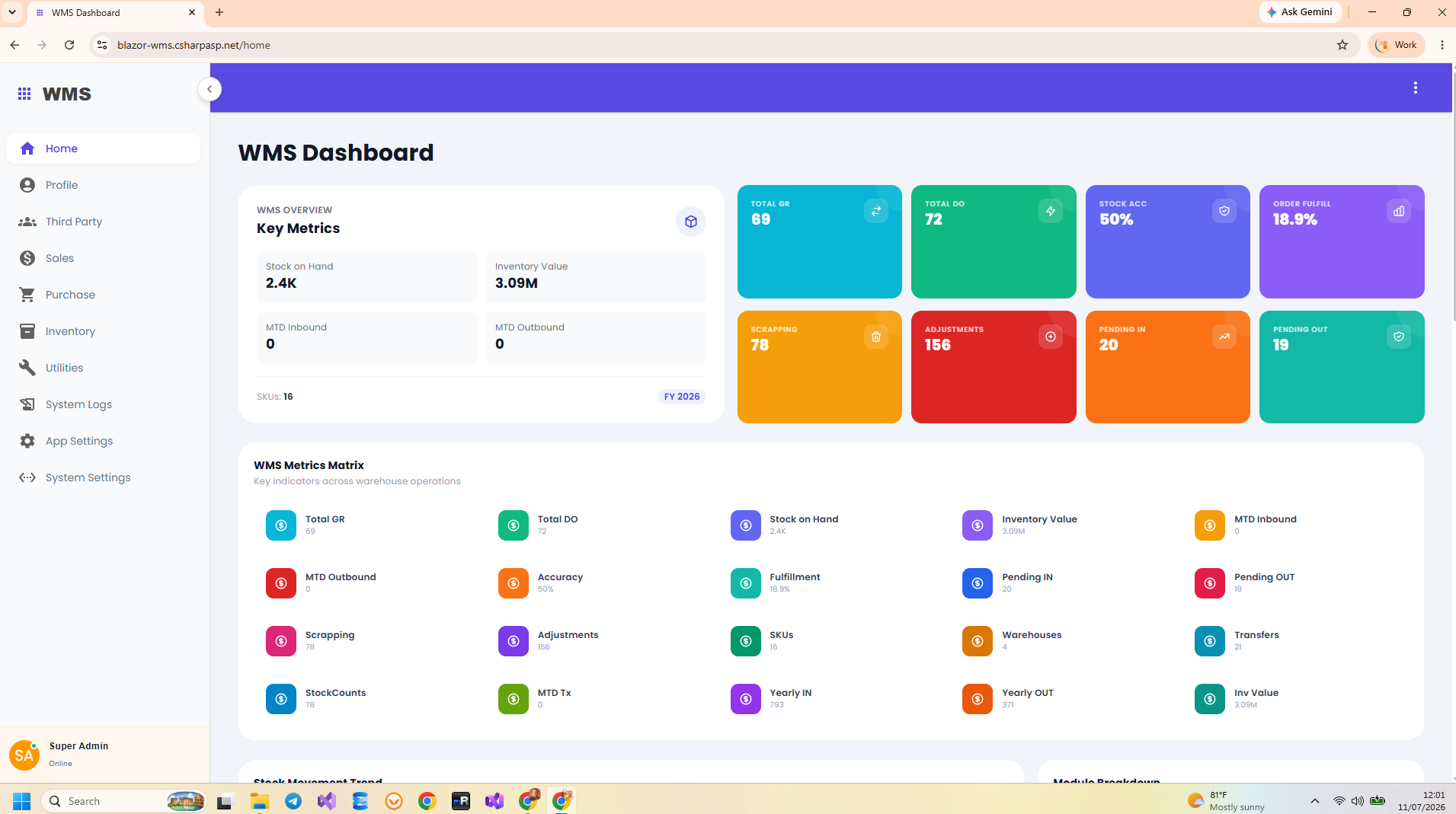
Start with a warehouse workflow, then choose the layers
A warehouse management system in ASP.NET Core needs to answer three practical questions: which products are stored, where they are stored, and which operations changed their quantities. A product catalog alone cannot explain why a balance changed yesterday. The application must connect receiving, delivery, transfers, and corrections to a traceable transaction history.
Indotalent’s Blazor WMS Source Code provides a concrete implementation to study and customize. Its source project targets net10.0 and contains the web UI, API endpoints, business handlers, and persistence code together. This guide follows that implementation rather than inventing a separate sample warehouse application.
Understand the application stack
| Responsibility | Implementation in this WMS |
|---|---|
| Interactive screens | Blazor Server / Interactive Server components with MudBlazor. |
| HTTP interface | ASP.NET Core Minimal API groups mapped beneath /api. |
| Use cases | MediatR commands and queries grouped under business feature folders. |
| Persistence | EF Core 10 and an AppDbContext derived from IdentityDbContext. |
| Identity | ASP.NET Core Identity plus bearer-authenticated business endpoints. |
In Program.cs, registration includes AddInteractiveServerComponents(), AddMudServices(), and feature dependency registration. Endpoint mapping is a separate step. This distinction is useful when a screen renders but its data request fails: registering a service does not automatically expose its HTTP route.
Map modules to the business process
The main business folders include Features/Inventory, Features/Purchase, and Features/Sales. Inventory owns warehouse and product maintenance alongside transfers, adjustments, stock counts, and reports. Purchasing supplies the inbound commercial context; sales supplies the outbound context.
- Purchase orders describe an intended purchase;
GoodsReceiverecords its receiving document. - Sales orders describe a customer order;
DeliveryOrderrepresents the delivery document. InventoryTransactionrecords product-level movement details associated with those operations.- Stock reporting groups confirmed transaction rows by warehouse and product.
Follow an example from receipt to delivery
Suppose a warehouse receives 100 units of a product, dispatches 24, and records a negative adjustment of 2. If those three movements are confirmed, their signed stock contributions are +100, −24, and −2. The resulting balance for that warehouse and product is 74. These are teaching quantities, not figures taken from the live demo.
The distinction between a document and a movement matters. A purchase order is not automatically proof that goods arrived. A draft transaction is not included by the current stock report. The report handler filters for InventoryTransactionStatus.Confirmed before aggregating Stock. Read the inventory workflow guide for transfers and stock counts.
The current stock-report handler also requires Product.Physical == true and Warehouse.SystemWarehouse == false. Its displayed balances therefore concern physical products in ordinary warehouses, rather than every record with a confirmed status.
Trace one request across the application
Blazor warehouse form
  -> WarehouseService.CreateWarehouseAsync
  -> POST /api/warehouse
  -> CreateWarehouseCommand
  -> CreateWarehouseHandler
  -> AppDbContext.SaveChangesAsync
The warehouse feature is a manageable starting point because its creation request contains a name, description, and system-warehouse flag. The handler checks whether the name already exists, creates an entity, and saves it. More involved inventory operations also call shared calculation logic. The vertical slice walkthrough explains where each responsibility lives.
Prepare the database and deployment deliberately
The source references SQL Server, PostgreSQL, and MySQL EF providers. A package reference establishes an integration dependency; it does not prove that every workflow has been tested on every provider. Match configuration to the database you actually intend to use and validate the critical receiving and dispatch scenarios there.
The inspected startup calls EnsureCreated() and then a database seeder when a supported relational provider is selected. That initialization should not be described as an automatic migration pipeline. When changing the schema of a data-bearing installation, plan schema evolution separately. The EF Core guide covers the relevant persistence code.
Choose a first customization with a clear outcome
A useful first change might add a warehouse reference to an external accounting system or extend the product maintenance screen with a business-specific field. Trace its effect through the request DTO, component, handler, entity configuration, and existing database. For operational changes, also determine whether reporting or movement calculation must change.
Before accepting that customization, exercise a successful action, a rejected input, a repeated request, and its resulting report entry. Source availability gives you control over implementation; it does not make every customer-specific rule automatic. Use the WMS product page to review the complete source-code package and its purchase terms.
